Five minutes. Every. Single. Time. That’s the ritual. Opening a project, meticulously excluding node_modules, __pycache__, .venv, and a dozen lock files, then zipping the whole mess. Only to re-explain the context to the AI. It’s not a crisis, but it’s a colossal waste of time. A friction point nobody seemed to accept as fixable. Until now.
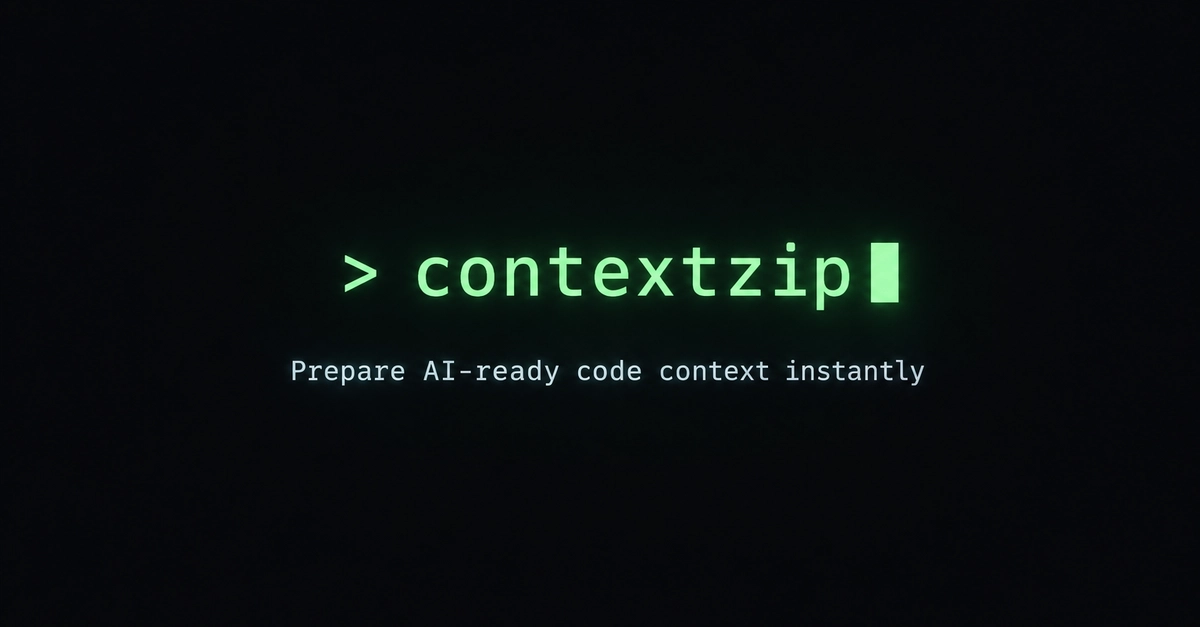
Akadeepesh, evidently as fed up as the rest of us, built contextzip. And bless their cotton socks, it actually works.
No More Codebase Bloat for Your Bot
This isn’t another over-hyped framework. It’s a CLI tool. Simple. Elegant. It packages exactly what the AI needs. Drop it into Claude, ChatGPT, you name it. The days of uploading your entire life’s work are over. Or at least, significantly less frequent.
Installation is a breeze:
pip install contextzip
Then, from any project directory:
cd your-project
contextzip
That’s it. It’s smart. It detects your stack—Next.js, Django, Rust, Go, you name it. It knows what to exclude. It respects your .gitignore. And it spits out a clean ZIP file in .contextzip/. Your file manager even opens, archive selected. Ready to go.
But wait, there’s more. Because simply zipping is only half the battle.
AI Gets the Right Context, Not All of It
contextzip --prompt "Change toast color on failed login"
Describe your task. Plain English. contextzip then builds a lightweight file map and asks Gemini to identify only the relevant files. Usually, that’s a mere handful. Two to five files. Not your entire sprawling digital empire. The ZIP also includes a prompt.txt. Your task, front and center. No retyping. No re-explaining.
This is the part that makes you wonder how you lived without it. The mundane task of providing context? Solved.
Git to the Rescue: Smaller Changes, Smaller Context
And for those moments when you’re just debugging or reviewing a PR? There’s --git-changes.
contextzip --git-changes
This packages only the files Git flags as modified, staged, or untracked. Perfect. No need to send the whole darn project when you’ve only tinkered with a single function.
Watch Mode: Catching Errors Before They Catch You
This is where things get really interesting. contextzip watch.
Wrap your dev server with it:
contextzip watch -- npm run dev
It buffers output. Watches for errors. The moment one pops up—boom. A prompt appears:
╭─ contextzip · error detected ─────────────────────╮
│ Press [D] to package debug context [S] to skip │
╰───────────────────────────────────────────────────╯
Press ‘D’. A debug-ready ZIP lands in .contextzip/. Error, stack trace, relevant source files—all included. Your server keeps humming. No restart. It’s almost… too polite.
Frameworks Play Nice
contextzip’s smart exclusions are framework-aware. Node.js projects get node_modules/, .next/, and lock files tossed. Python projects ditch __pycache__/ and .venv/. Rust users get target/ punted. Monorepos? It handles multiple rule sets. It’s designed not to trip over itself.
Naturally, there are caveats. The --prompt feature needs a free Gemini API key. And watch mode’s terminal output might be a bit rough around the edges on Windows. Plus, AI file selection is capped at 10 files. The goal is surgical precision, not a forensic sweep.
But the core functionality? Stellar. Open source. MIT licensed. And frankly, long overdue.
Is This the End of Contextual AI?
Maybe not the end, but certainly a more efficient middle. The current approach of shoveling gigabytes of code at an LLM feels like using a sledgehammer to crack a nut. It’s wasteful, slow, and often results in the AI getting lost in the noise. contextzip forces a level of discernment. It makes the AI session more deliberate, more focused. This isn’t just about saving upload time; it’s about improving the quality of the interaction. By forcing the developer to be more precise about what the AI needs, contextzip subtly encourages better problem definition. It’s a tool that cleans up the input, which, in turn, should clean up the output. It aligns the AI’s consumption with human intention, a crucial step in making these tools genuinely useful, rather than just expensive chat bots.
This is the kind of pragmatic innovation Open Source Beat lives for. Small, targeted solutions to real developer pain points. No venture capital fluff, just code that works.
contextzip: The Bottom Line
If you’ve been dealing with the slow, painful process of preparing your codebase for AI assistance, contextzip offers a genuine reprieve. It’s well-designed, practical, and tackles a pervasive problem head-on. The MIT license means you can tinker, contribute, and integrate it without a second thought. It’s a small tool with a big impact on your daily development workflow.
🧬 Related Insights
- Read more: Mistral vs. OpenAI: French SaaS Weighs Data Sovereignty
- Read more: Cumulus Nitro Cold Brew Machine: Is it Worth the $556 Price Tag?
Frequently Asked Questions
What does contextzip actually do? contextzip intelligently packages only the relevant files from your codebase into a ZIP archive, streamlining the process of providing context to AI tools.
Is contextzip free to use? Yes, contextzip is open source and MIT licensed, making it free to use and modify.
Will contextzip replace my entire codebase for AI? No, contextzip is designed to send only the most relevant files (typically 2-5) to the AI, not your entire codebase, to improve efficiency and focus.