AI controls your desktop now.
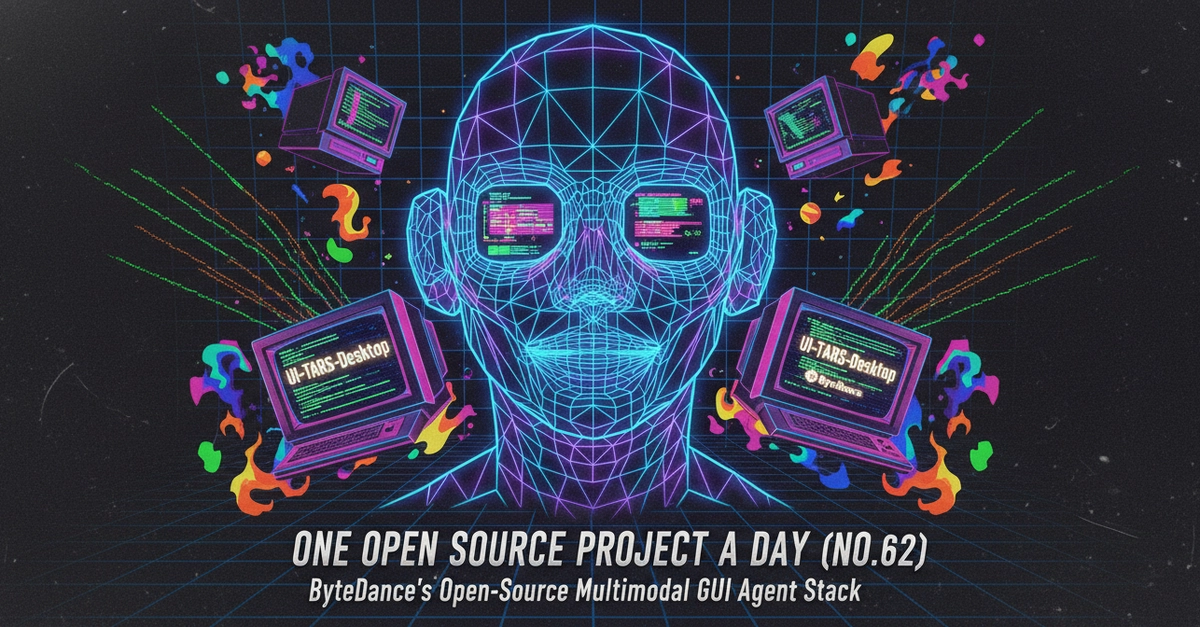
Yes, you read that right. ByteDance, the titan behind TikTok, has dropped UI-TARS-Desktop, an open-source multimodal AI agent stack that doesn’t just understand code or APIs. It understands your screen. It clicks buttons. It fills forms. It moves windows. It does what you do, but with AI smarts. And frankly, it’s about time.
The industry’s been awash with AI agents. OpenHarness, Symphony, Agent Skills – all fine tools for their niche. They live in the terminal, they wrangle files, they talk to APIs. Useful, sure. But they’ve always been confined to the digital plumbing. UI-TARS breaks out. It’s a general-purpose computer-use agent. It’s the AI you’ve been waiting for to actually do things on your actual computer. The 32.3k GitHub stars? A solid indicator of industry hunger for this.
Is This Just Fancy RPA?
This is where the usual corporate spin starts. “Multimodal GUI agent.” Sounds fancy. Is it just another Robotic Process Automation tool? Not quite. Traditional RPA tools are brittle. They’re built on shaky foundations of pixel coordinates and hardcoded element IDs. The moment a UI element shifts, the whole script implodes. Like trying to build a house on quicksand.
UI-TARS, however, has a different approach. It understands semantics. It knows a “Save button” is a save button, regardless of its position or exact appearance. It grasps the intent behind UI elements. This is crucial. This means it can adapt. It can handle UI changes without needing constant reprogramming. Think less rigid robot, more adaptable assistant.
Its core capability is: using a Vision-Language Model (VLM) to “understand” the UI elements on a screen, comprehend natural language instructions, and then simulate real user mouse and keyboard actions to complete tasks.
This is ByteDance’s playground, and they know it. Their Seed series of VLMs are built for this exact purpose: GUI understanding and control. They’re not just slapping an LLM onto a screen recorder. This project has academic backing, with models achieving state-of-the-art performance on GUI agent benchmarks. It’s a serious play, not just a weekend hack.
Agent TARS vs. UI-TARS Desktop: What’s the Difference?
So, you’ve got UI-TARS-Desktop. But the announcement also mentions “Agent TARS.” What’s the story there? It’s a dual-pronged attack.
Agent TARS is the developer-facing component. It brings that visual understanding to your terminal. Think of it as the brain that can interpret what it’s seeing on screen, even if it’s just text initially. It’s the foundation.
UI-TARS Desktop is the actual application. It’s the native desktop client that takes Agent TARS’s directives and executes them on your local machine. It’s the hands and feet, if you will. They work together. One sees and understands, the other acts. It’s a hybrid browser agent strategy – blending GUI, DOM, and other elements for that precise feedback. The Event Stream architecture? That’s how it achieves that fine-grained control and debuggability. You can actually see what the AI is doing and why.
Why Does This Matter for Developers and Users?
The implications here are massive. For developers, it means automating tasks that were previously impossible without custom integrations.
- Cross-Application Workflow Automation: Imagine pulling data from an obscure legacy system – no API, nothing – and feeding it into a modern application. UI-TARS can do that. It’s like hiring a virtual intern who can operate any software.
- Intelligent Browser Control: Forget flaky Selenium scripts for complex web interactions. Multi-step forms, dynamic content, sites requiring logins – UI-TARS can handle it.
- GUI Software Testing: Describe your test cases in plain English. UI-TARS will execute them on real interfaces. No more wrestling with brittle XPath or coordinate-based scripts. This alone could save QA teams countless hours.
But it’s not just for developers. Think about the average user.
- Personal Productivity Assistant: Need to organize a thousand files? Batch rename a project folder? Summarize a pile of documents? Just tell your AI assistant.
- Accessibility Assistance: This is huge. For users with motor impairments, traditional assistive technologies can be clunky. UI-TARS offers the potential for true voice-controlled computer interaction, going beyond simple commands to nuanced desktop navigation.
Getting Your Hands Dirty
ByteDance hasn’t made this obscure. They’re promoting it with npx commands for Agent TARS, meaning you can run it directly without a fuss. A simple command, npx @agent-tars/cli@latest, gets you started. Want to specify a model like Claude? Easy. Want a visual interface? --ui flag.
For the native desktop app, it’s a bit more involved – cloning the repo, installing dependencies with pnpm. But they also offer pre-built installers. It’s designed for accessibility, for getting it onto your system and seeing what it can do.
The hybrid browser strategy they employ is interesting. It’s not just about raw pixel data. It’s about understanding the underlying structure of the UI (DOM), combined with visual cues. This hybrid approach, coupled with their event stream architecture, aims for precision and ease of debugging.
Look, the AI race is on. Companies are throwing everything at the wall. Most of it slides off. But UI-TARS-Desktop? This feels different. It tackles a fundamental problem – interacting with the vast sea of software that doesn’t have an API. It’s the missing link for true AI-driven desktop automation. ByteDance is putting its cards on the table. Whether other players can match this direct, semantic control remains to be seen, but for now, the AI is coming for your desktop. And it knows how to click.
🧬 Related Insights
- Read more: Hybrid Events: Blending Virtual Fire with In-Person Sparks in Open Source
- Read more: spm: Finally, an npm for AI Skills That Ditches Copy-Paste Hell
Frequently Asked Questions
What does UI-TARS-Desktop actually do? UI-TARS-Desktop is an open-source AI agent stack that allows AI models to directly control a computer’s graphical user interface (GUI) by simulating human actions like mouse clicks and keyboard input.
How is UI-TARS-Desktop different from RPA tools? Unlike traditional RPA tools that rely on rigid element IDs or pixel coordinates, UI-TARS-Desktop uses Vision-Language Models to understand the semantics of UI elements, making it more adaptable to interface changes.
Do I need to install anything to use Agent TARS?
No, Agent TARS can be run directly using npx commands without a separate installation process.