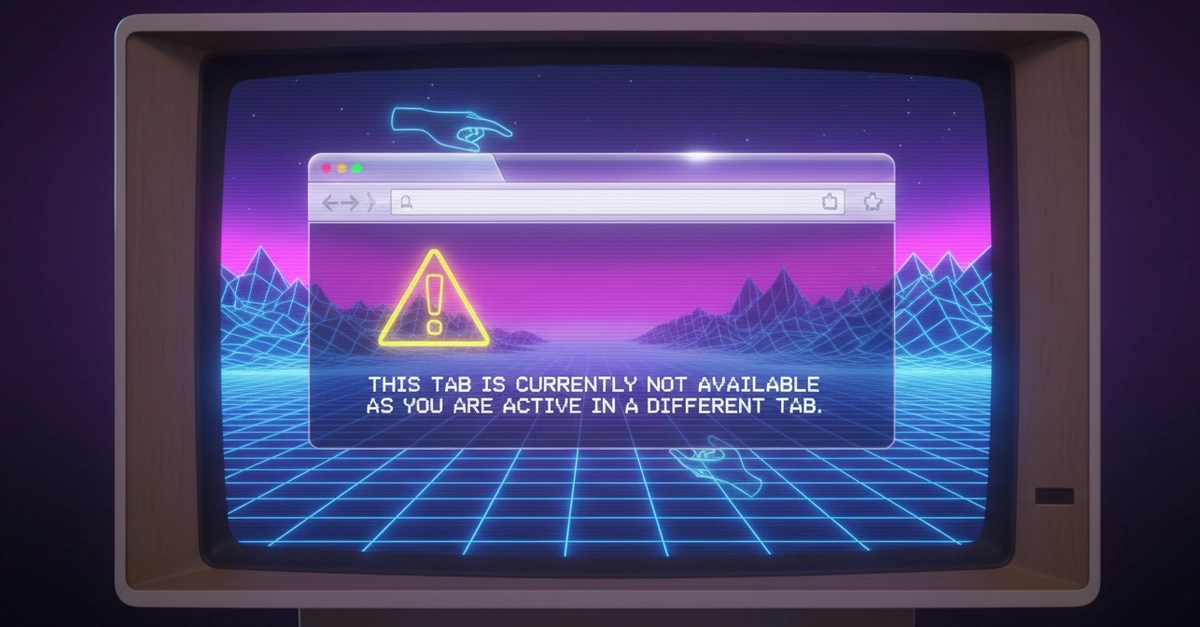
Remember the days when opening a new browser tab felt like unleashing a wild, untamed beast? Each one clamoring for attention, blissfully unaware of its brethren. We’d cobble together elaborate systems — whispers through localStorage, frantic signals via BroadcastChannel — all in a desperate attempt to enforce some semblance of order, to ensure only one tab held the spotlight at a time. It was a developer’s rite of passage, a puzzle that felt way more complex than it should have been.
And for so long, that was just how it was. A given. A necessary evil. We expected to build these clunky, manual coordination systems, praying they wouldn’t crumble under the weight of edge cases like stale data or the dreaded race condition. We’d pat ourselves on the back for cleverly using beforeunload — a notoriously unreliable ghost of an event — just to signal that the active tab had, hopefully, been closed.
But what if I told you the browser itself was already equipped with a sophisticated lock and queue system, quietly waiting for us to tap into it? What if the messy, unreliable JavaScript dance we’d been performing was, in essence, reinventing the wheel, badly?
Here’s the thing: the Web Locks API isn’t just another tool in the developer’s belt; it’s a fundamental platform shift. It’s like discovering you’ve been digging a well by hand when a perfectly good aquifer was just beneath your feet, already pressurized and ready to go. This API is the quiet genius that finally brings sanity to multi-tab interactions, transforming a potential nightmare into an elegant, browser-managed ballet.
Is This the End of Tab Taboo?
For years, developers grappled with the “single active tab” problem. The goal: ensure that out of potentially dozens of open tabs for the same application, only one could actively process requests or display dynamic content. The rest were meant to sit in a polite, locked state, waiting their turn. This wasn’t just about aesthetics; it was often a requirement for preventing data corruption or ensuring a consistent user experience.
We’d painstakingly craft logic. First, a unique identifier for each tab – a digital fingerprint. Then, a central point of truth, usually localStorage, to declare: ‘This tab is the boss!’ New tabs would arrive, check localStorage, and if a boss tab was already declared, they’d politely step aside, locked. Closing the boss tab? A nerve-wracking moment, triggering events, hoping other tabs would pick up the baton correctly. It was an exercise in controlled chaos.
We’d cobble together elaborate systems — whispers through
localStorage, frantic signals viaBroadcastChannel— all in a desperate attempt to enforce some semblance of order.
As the original content points out, localStorage solutions, while functional for basic locking, crumbled when faced with the real world. Stale data persisted across browser restarts, and the race condition – two tabs opening simultaneously, both thinking they’re the chosen one – remained a stubborn thorn in our side. BroadcastChannel offered a more direct line of communication between tabs, but it still didn’t solve the core problem of reliably managing who gets to be active.
Enter the Browser’s Secret Weapon: Web Locks
The beauty of the Web Locks API lies in its simplicity and its robustness. It use the browser’s internal mechanisms for handling concurrent access to shared resources. In this scenario, the application itself is the shared resource.
When a tab opens, it simply requests a lock using a specific name (e.g., 'dev:app'). If no other tab currently holds that lock, the requesting tab gets it and can proceed, becoming the “active” tab. If another tab already holds the lock, the new tab is automatically placed in a queue, waiting patiently. It’s like a velvet rope at an exclusive club, managed by the bouncer (the browser).
This elegantly sidesteps all those messy edge cases:
- Next Active Tab: When the currently active tab closes, the browser automatically releases its lock. The next tab in the queue then automatically acquires the lock and becomes active. No manual election process, no complex ordering arrays. The browser handles the handover.
- Stale Active Tab: Because the lock is managed by the browser and doesn’t persist state in a user-accessible way (like
localStorage), there’s no stale data to worry about. If the browser closes unexpectedly, the lock is released when the browser process terminates. When you reopen, the first tab to request the lock becomes active. It’s clean. - Race Condition: This is where the Web Locks API truly shines. The browser’s internal queuing system inherently prevents race conditions. Only one tab can acquire the lock at any given moment. If two tabs request it simultaneously, one will get it, and the other will wait its turn. It’s deterministic.
This is a monumental simplification. Instead of writing pages of JavaScript to manage state, broadcast messages, and handle unreliable events, developers can now rely on a browser-native API that’s designed precisely for this kind of coordination. The code snippet provided, a few lines within a useEffect hook in React, encapsulates this entire paradigm shift.
const [active, setActive] = useState(false);
useEffect(() => {
  navigator.locks.request("dev:app", () => {
    setActive(true);
  });
}, []);

if (!active) {
  return <div>This tab is not available</div>;
}
return <div>This tab is available</div>;
And just like that, the browser takes over the heavy lifting. The complexity we once wrestled with is now managed by the very environment our applications run in.
A Paradigm Shift for Web Applications
This isn’t just about making one tab active. Think about the implications. Any scenario where only one instance of an application should be performing a critical operation at any given time can now be handled with this API. Whether it’s synchronizing critical data updates, preventing duplicate form submissions across tabs, or managing background tasks, the Web Locks API provides a foundational piece for strong multi-tab applications.
For years, we’ve been building complex middleware, trying to impose order on a chaotic environment. Now, the browser is offering us the plumbing. It’s a reminder that sometimes, the most elegant solutions aren’t about more code, but about understanding and utilizing the underlying platform more effectively. This is what a true platform shift feels like: suddenly, the impossible becomes trivial, and the future of web applications feels a little more… sane.
🧬 Related Insights
- Read more: Hyprland: Tiling Windows That Snap Your Workflow into Hyperdrive
- Read more: FSF Slaps Down License Switcheroos: Relicensing vs. Compatibility Exposed
Frequently Asked Questions
What exactly is the Web Locks API?
The Web Locks API is a browser feature that allows web applications to acquire and release named locks. This mechanism prevents race conditions and ensures that only one piece of code (or in this case, one tab) can execute a critical section at a time, managing access to shared resources. It’s designed for coordinating activity across different browser tabs and windows.
Will this replace my job as a front-end developer?
Absolutely not! While the Web Locks API automates the complex task of tab coordination, it doesn’t replace the need for skilled developers. You’ll still need to design user interfaces, implement features, manage application state, and understand how to integrate APIs like Web Locks effectively into your applications. This tool simply makes certain complex tasks significantly easier and more reliable, freeing you up to focus on more creative and impactful development.
Are there any downsides to using the Web Locks API?
One primary consideration is browser support. While modern browsers widely support the Web Locks API, older versions might not. Developers need to ensure compatibility or implement graceful fallbacks for environments that don’t support it. Additionally, understanding the API’s queuing behavior and lock release mechanisms is crucial for building truly strong applications.